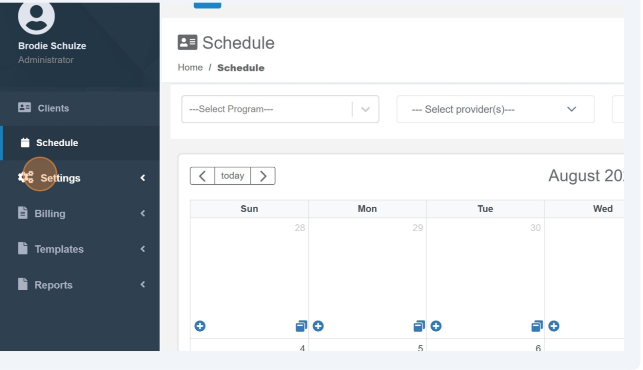
1. Click "Settings"
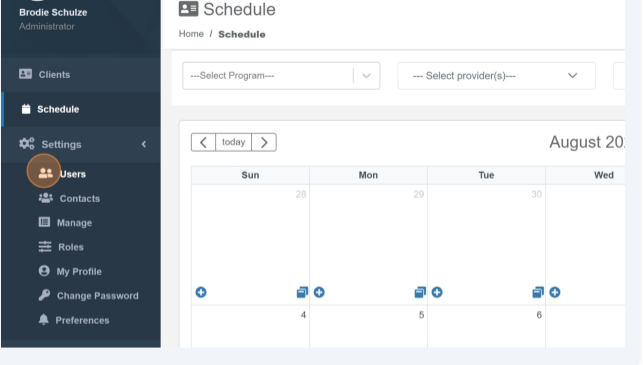
2. Click Users.
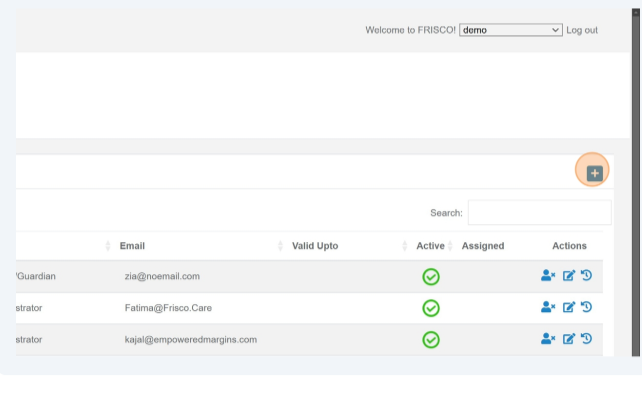
3. Click the Add icon.
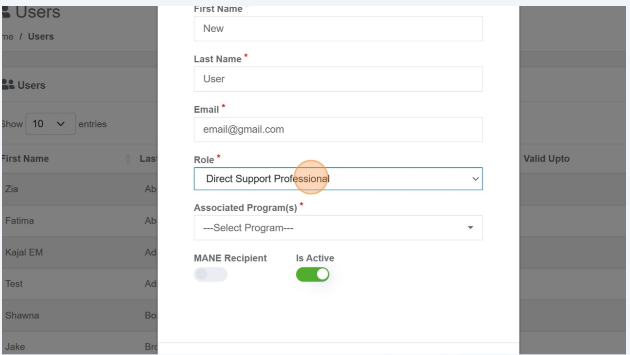
4. Enter the User's first and last name and email.
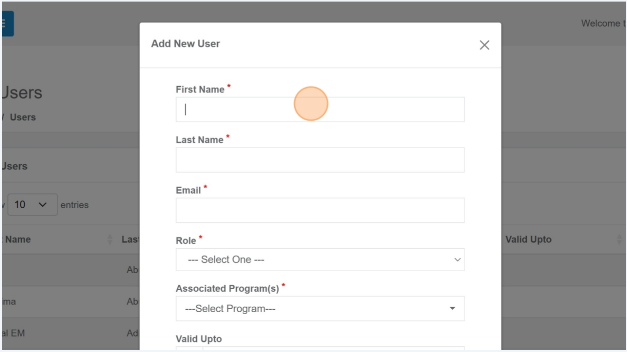
5. Select the user role you would like to assign them. Currently, each user can only be assigned to a single role.
Was this article helpful?
That’s Great!
Thank you for your feedback
Sorry! We couldn't be helpful
Thank you for your feedback
Feedback sent
We appreciate your effort and will try to fix the article